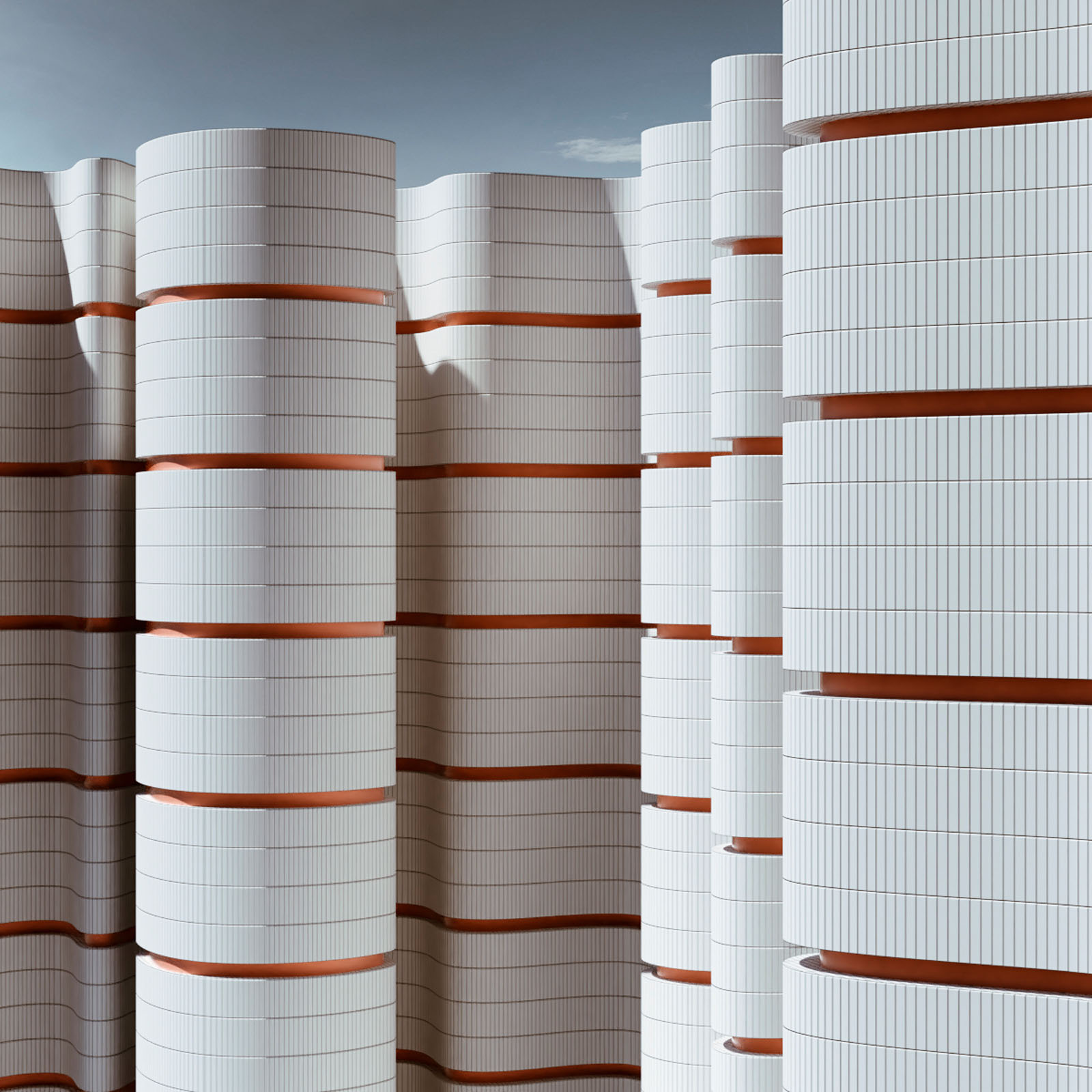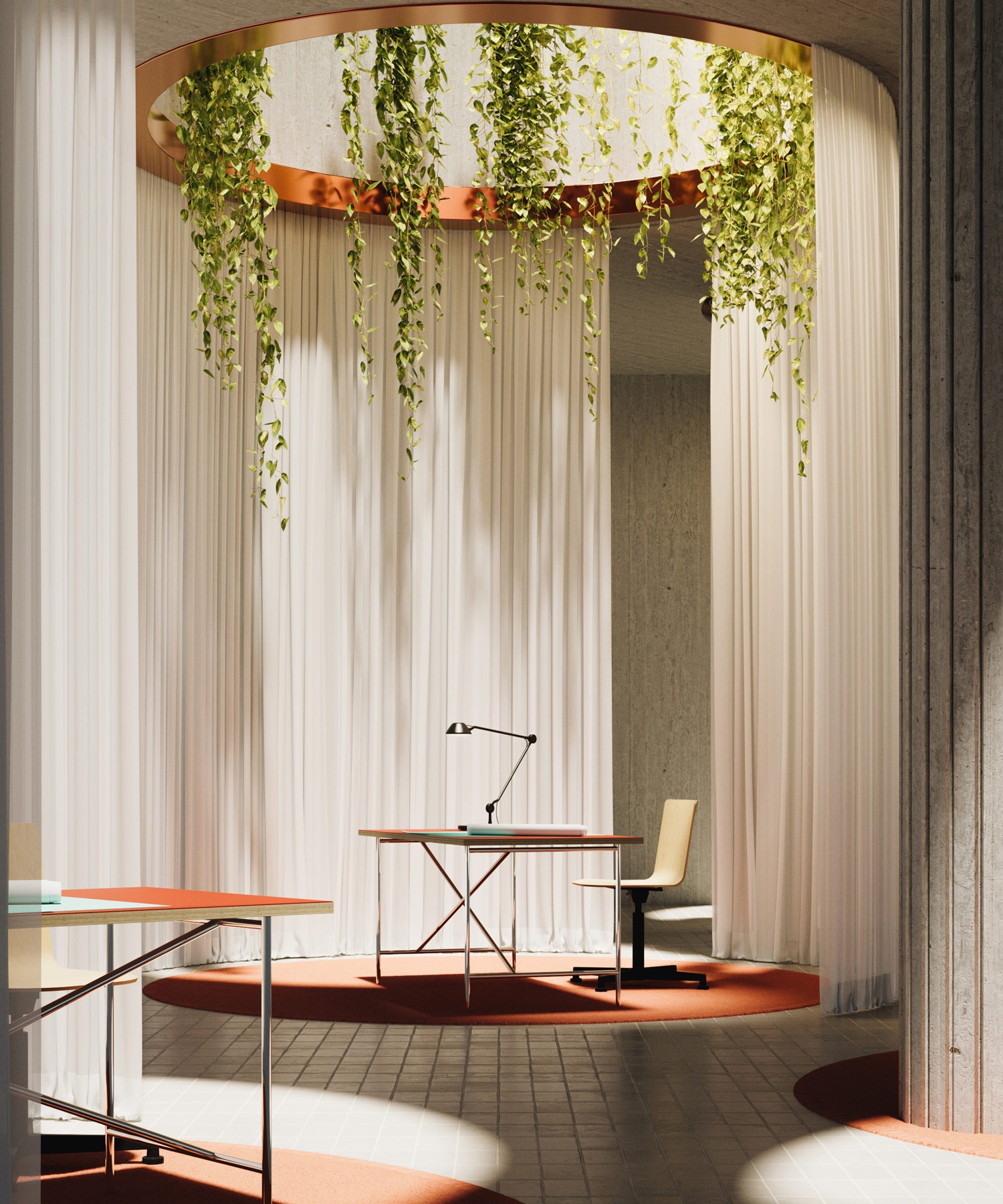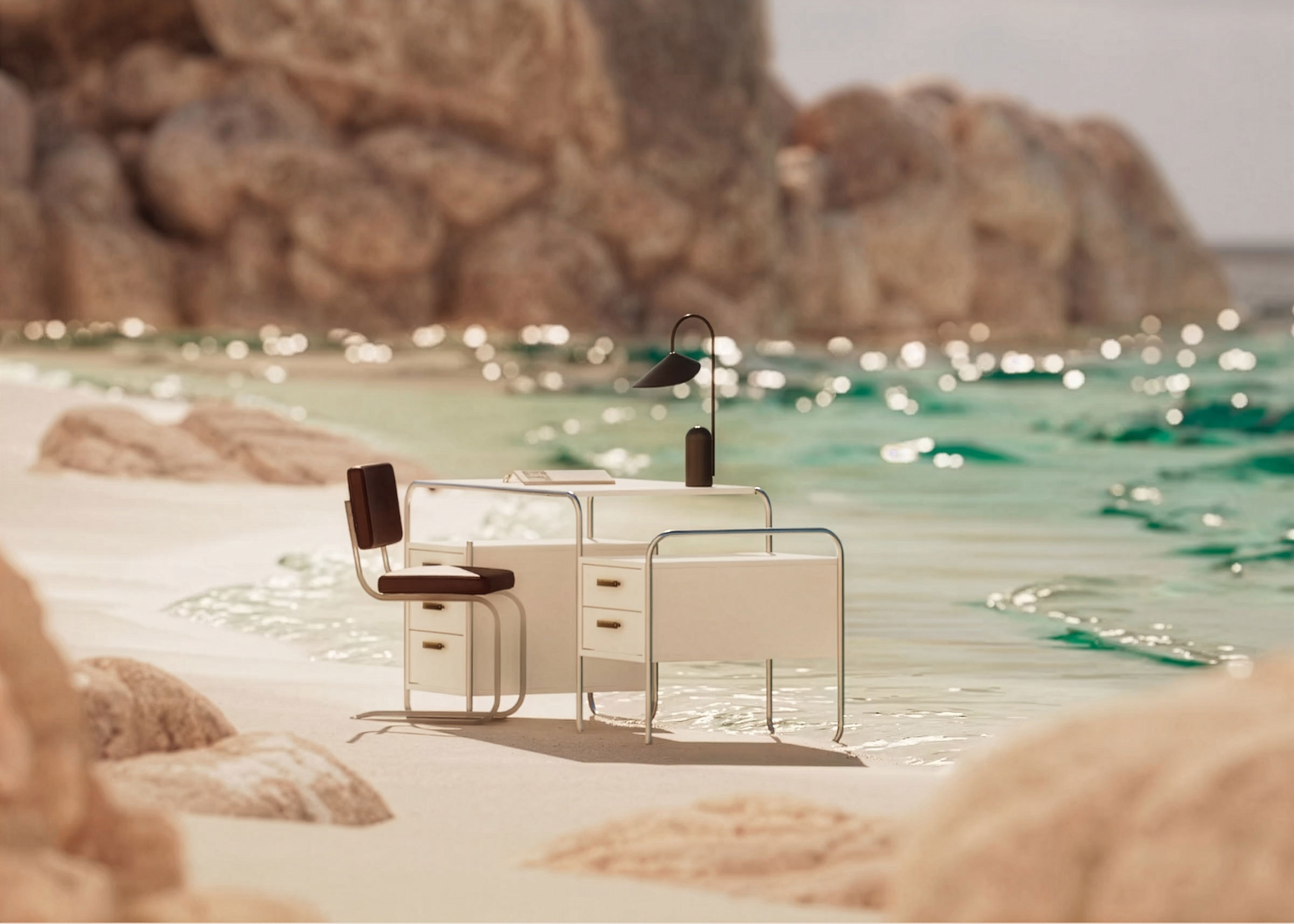
In our previous newsletter we talked about using Midjourney to generate images for look development. While it's true that AI image generation is rapidly improving, artifacts are still a common occurrence. Images often require some level of retouching, especially if we want to present them to clients as early explorations.
Our first stop is always Photoshop and in particular, the exceptional new Smart Object Selection and Generative Fill. These tools work well for small, simple corrections, but often break down on larger or more complex areas sometimes even introducing new artifacts. There are ways around this but none have yielded consistent good results.
Generative Fill in Photoshop works best for localized retouching.
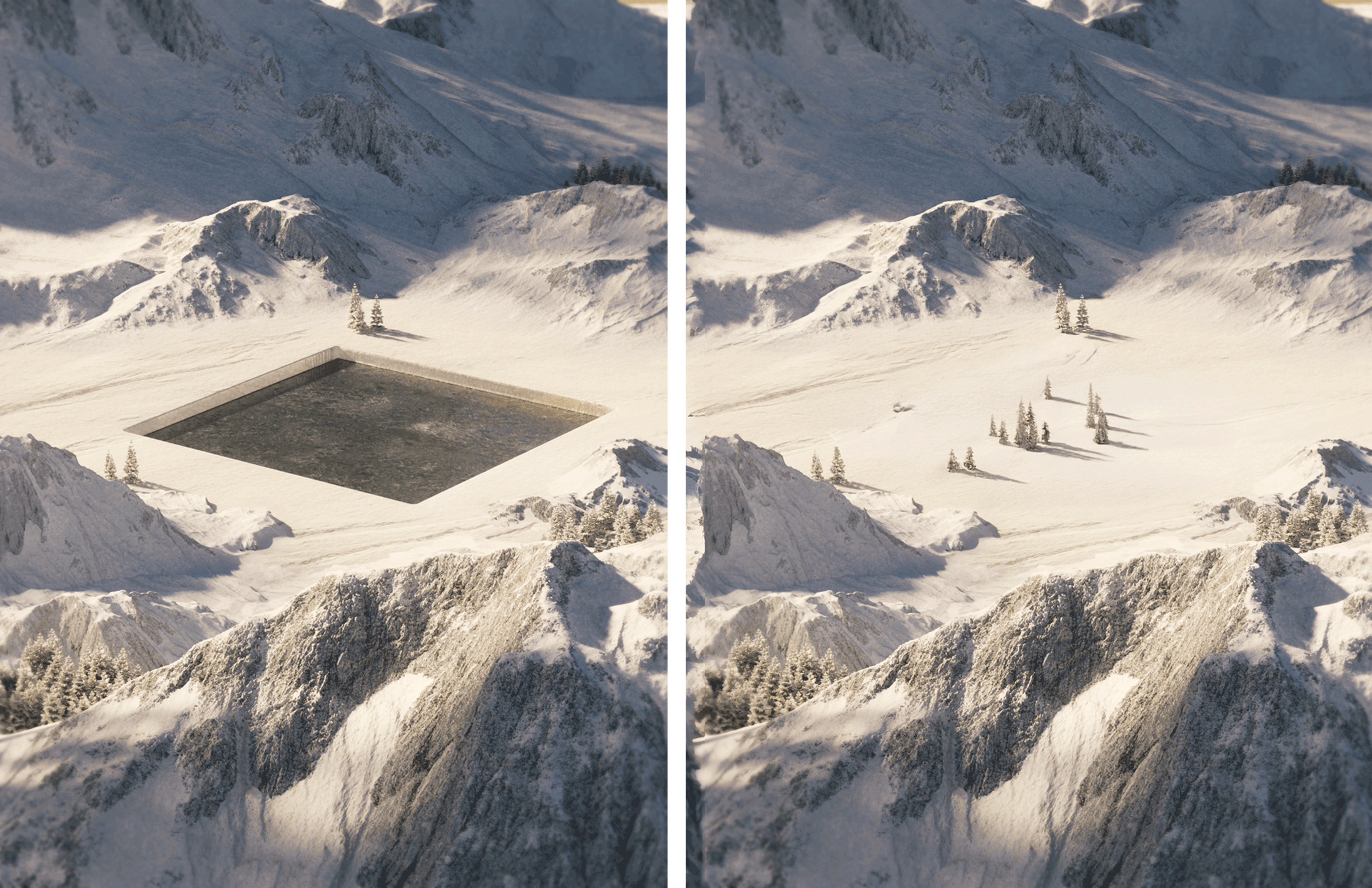
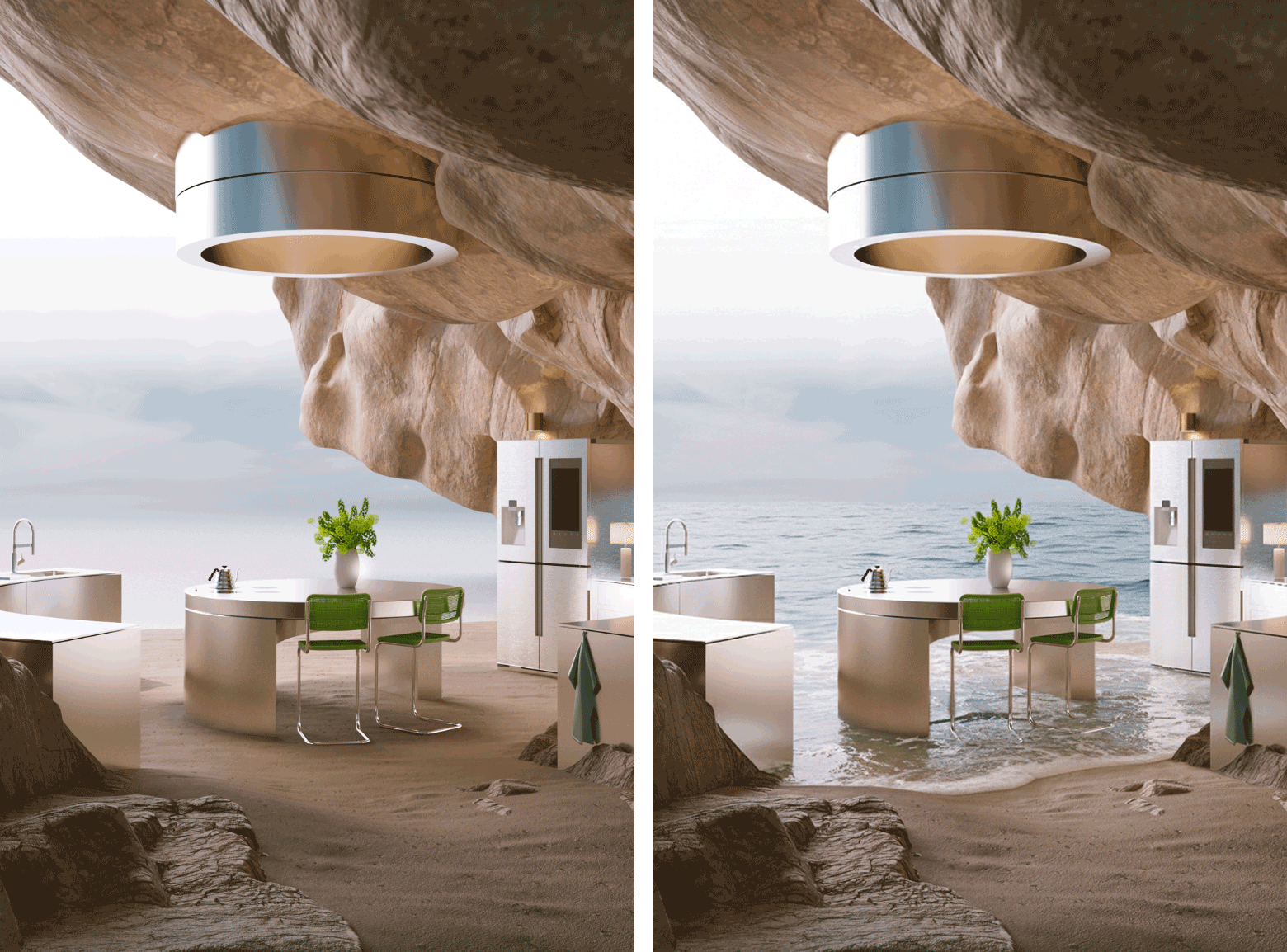
For more complex touch ups we've had great results with Nano Banana, which is built into Google’s Gemini LLM. What makes Nano Banana stand out is the fact that it's highly content-aware. Even without guides, it is able to easily fill regions with objects and textures already present in the image (for an offline solution you can try Qwen in Comfyui but the results are similar if not better with Nano Banana).
For example, realistic waves are notoriously difficult to achieve in 3D, making this an excellent solution
These tools have revolutionized our workflow and made the need for lengthy retouching obsolete, allowing us to focus on our creative pipeline and delivering quicker results to clients.